Computer-Use Agent Memory for Multi-Step Work That Spans Sessions
Equip browser agents, desktop agents, and workflow agents with persistent memory so they stop repeating steps, losing state, and breaking after every restart.
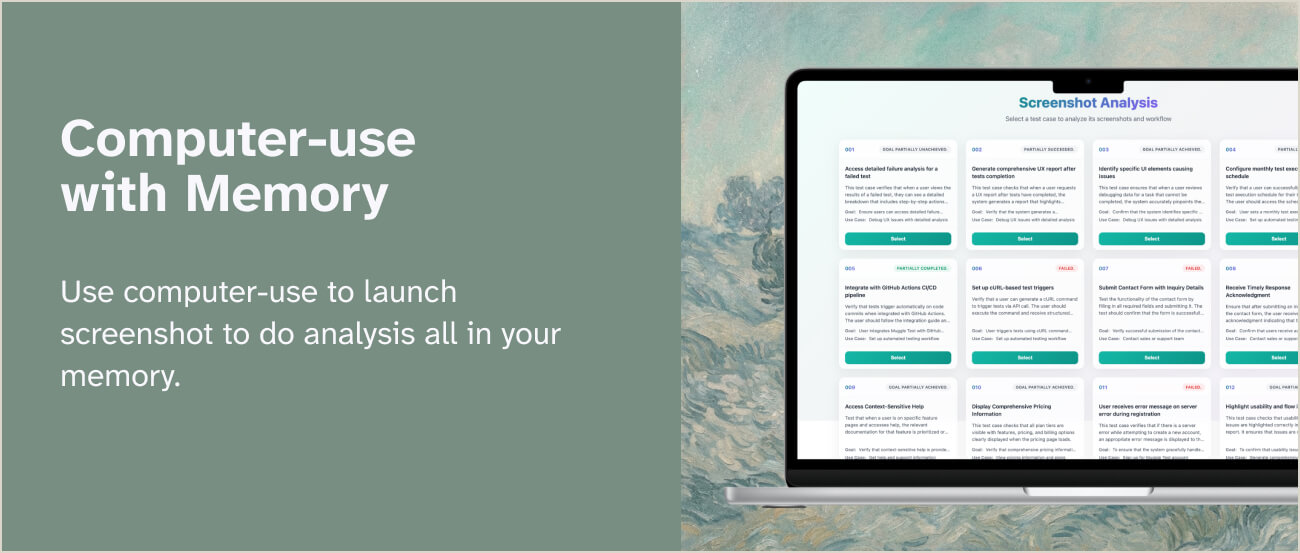
Why computer-use agents fail without memory
Computer-use systems can click buttons, read pages, and complete tasks — but they usually fall apart when the work takes longer than one session.
They forget prior attempts, lose UI-specific knowledge, and repeat the same mistakes on the next run. That isn't a model problem alone — it's a memory problem. A real memory layer for computer-use agents should help the agent:
- Remember prior task state
- Reuse successful task trajectories
- Recover from interruptions
- Preserve environment-specific knowledge
- Coordinate with human review
What persistent memory changes in computer use
Four shifts that turn brittle one-shot automation into reliable, long-running execution.
Cross-session task continuity
If an agent already logged in, mapped the interface, or reached step seven of a workflow, it should not rediscover everything tomorrow.
Procedural reuse
The system should remember how it previously completed a task and apply that experience again.
Safer recovery
When a page layout changes or a task fails halfway through, the agent should fall back on prior knowledge instead of looping blindly.
Human-in-the-loop collaboration
Memory makes it easier to track what happened, what changed, and where a human should intervene.
How Evermind fits computer-use agent workflows
EverOS gives computer-use builders a structured memory layer that sits underneath execution.
Store runs as Cases
Agent runs can be stored as reusable cases instead of disappearing after completion, giving every future run access to what already worked.
Skills from repeatable patterns
Repeated successful behaviors become skills the system can reuse in future workflows — no need to rediscover the same playbook.
Separate task, user, and agent memory
Not every memory belongs in the same bucket. Evermind supports agent memory, user memory, and group memory so systems stay clean and governable.
Ingest operational context
Computer-use agents depend on screenshots, documents, spreadsheets, and URLs. EverOS supports multimodal ingestion through one API.
Where computer-use agent memory matters most
The workflows where lost state hurts the most — and where durable memory pays back fastest.
Browser automation
Remember site structure, previous blockers, approvals, and known recovery patterns across repeated workflows.
Internal operations agents
Carry task state across long-running back-office work — approvals, dashboard updates, QA loops, and recurring ops.
Developer tooling
Preserve repo-specific context, recurring setup steps, and debugging history for agents that work inside technical environments.
Enterprise copilots
Coordinate task execution across apps without losing the chain of reasoning and action history.
Why Evermind is stronger than prompt-only state handling
Prompt-only state handling bloats context, raises token costs, and still loses information between sessions. Evermind is a memory system designed for long-running agent work.
- Lower dependence on giant prompts
- Better recall of prior task state
- More reliable recovery after interruption
- Clearer visibility into agent knowledge
- A path from one-off runs to self-improving workflows
Technical buyer checklist
If you are evaluating memory for computer-use agents, check whether the system can do all five.
- Preserve procedural memory, not just facts.
- Track evolving state over time.
- Support inspectable memory objects.
- Handle prompt injection and operational safety workflows.
- Scale across many agents and tasks.
Evermind is built around those requirements instead of treating memory as an afterthought.
Frequently Asked Questions
What is computer-use agent memory?
It is the memory layer that lets an agent retain task state, prior experience, and operational context across sessions while interacting with software interfaces.
Why not just save the transcript?
A raw transcript is noisy and expensive to reuse. Structured memory makes retrieval more relevant and keeps the agent focused on what matters.
Can memory help with UI changes or failed runs?
Yes. It can preserve prior successful trajectories, known blockers, and recovery logic so the agent adapts faster instead of looping blindly.
Does this work for browser agents and desktop agents?
Yes. The core problem is the same: long-running tasks need continuity beyond a single context window.
It doesn't need more prompting — it needs memory
If your computer-use agent keeps relearning the same workflow, more context won't fix it. Evermind gives you the infrastructure to make those agents reliable over time.